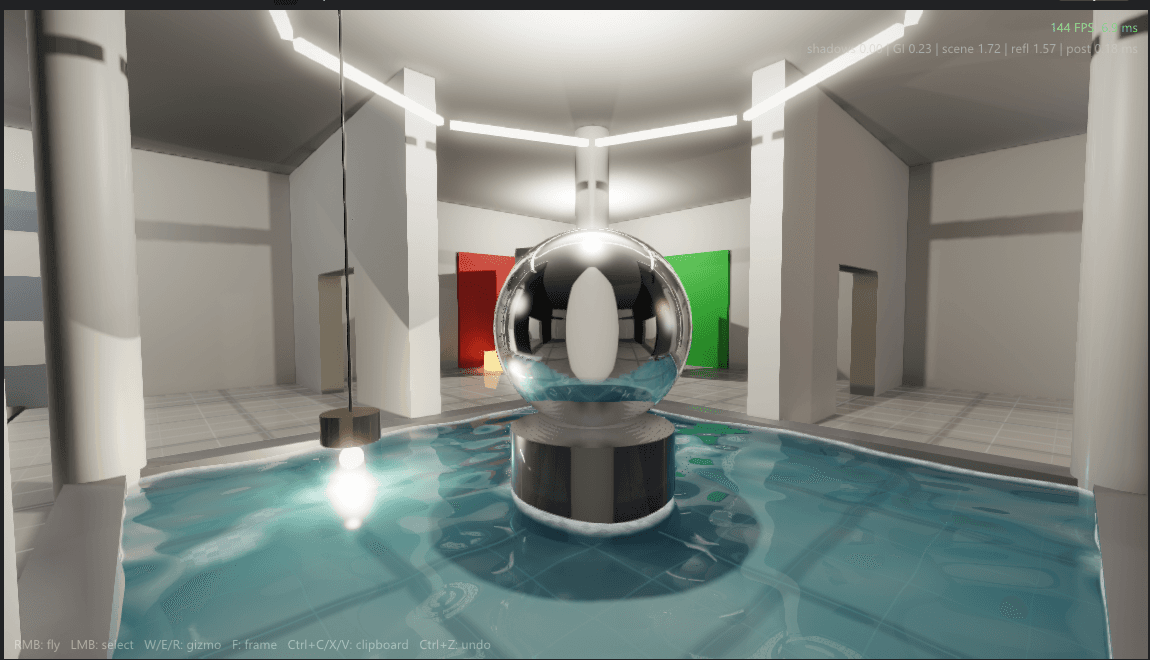
Documentation/Rendering
Real-time global illumination
Direct light is easy and has been for decades. The hard part of lighting is everything after the first bounce: the way a sunlit floor lights the ceiling, or a red wall stains the room around it. This article explains how REACT computes that every frame, fast enough to leave most of the frame budget for everything else.
- 12 min
- 6 figures
- Updated June 2026
256³ x 3
voxel clipmap
6
cones per pixel
2
light bounces
3.2 ms
total cost
Everything a renderer does is an attempt at the rendering equation, which says that the light leaving a surface is whatever it emits, plus everything arriving from the entire hemisphere above it, weighted by the material:
Eq 01
each symbol, explained —
Outgoing light equals emitted light plus the integral of incoming light over all directions, weighted by the material and the angle of incidence. The catch: incoming light is other surfaces' outgoing light, so the equation refers to itself.
Rasterization handles the direct part: light that travels from a source to a surface to the camera. The recursive part, light that arrives via other surfaces, is global illumination, and skipping it is why older games looked like everything was lit by a flash bulb. The figure below is what the recursion means physically.
Path tracers solve the rendering equation by following thousands of rays per pixel, which is beautiful and slow. REACT instead uses voxel cone tracing, introduced by Crassin and colleagues in 2011. The idea has two halves.
First, build a crude copy of the scene: rasterize everything into a 3D grid of voxels, where each voxel stores the direct light falling on the geometry inside it. Second, generate mipmaps of that grid, so each level is a half-resolution, pre-blurred version of the one below. A cone marched through this structure samples coarser mips as it widens, which gives you an approximation of gathering light over a solid angle at a tiny fraction of the cost of the rays it replaces.
shaders/gi_trace.comp (simplified)
vec3 TraceCone(vec3 origin, vec3 dir, float aperture) {
    vec3  radiance  = vec3(0.0);
    float occlusion = 0.0;
    float t         = u_voxelSize;          // skip self-lighting

    while (occlusion < 1.0 && t < u_maxDistance) {
        float diameter = 2.0 * aperture * t;
        float mip      = log2(diameter / u_voxelSize);
        vec4  s        = SampleClipmap(origin + dir * t, mip);

        radiance  += (1.0 - occlusion) * s.rgb;  // front-to-back blend
        occlusion += (1.0 - occlusion) * s.a;
        t         += diameter * 0.5;             // step grows with the cone
    }
    return radiance;
}Voxelize
Rasterize the scene into the clipmap. Only moved or relit objects are revoxelized.
Inject radiance
Splat direct light and emissive surfaces into their voxels.
Mip chain
Build anisotropic mipmaps, six directional sets so light keeps a sense of facing.
Cone trace
Six cones per pixel at half resolution: five for diffuse, one tight cone for specular.
Upsample
Edge-aware upsample to full resolution, then composite with direct lighting.
The three cascades trade resolution for reach. Close to the camera, voxels are small enough to capture contact bounce off a desk lamp; the far cascade only needs to carry the broad strokes of distant skylight:
| Cascade | Extent | Voxel size | Revoxelized |
|---|---|---|---|
| 0 (near) | 25 m around the camera | about 10 cm | any time its contents move or relight |
| 1 (mid) | 100 m | about 39 cm | when the camera crosses half a voxel |
| 2 (far) | 400 m | about 1.6 m | rarely; distant content barely changes |
The injection pass copies direct lighting into the voxel grid, but it also copies emission. That one detail has an outsized visual payoff: any material that glows becomes a real light source, with soft falloff and colored bounce, without anyone placing a light. The neon scenes in the gallery are lit entirely this way. The bars themselves are the only sources in the scene, and the pink wash on the floor is the GI system doing its job.
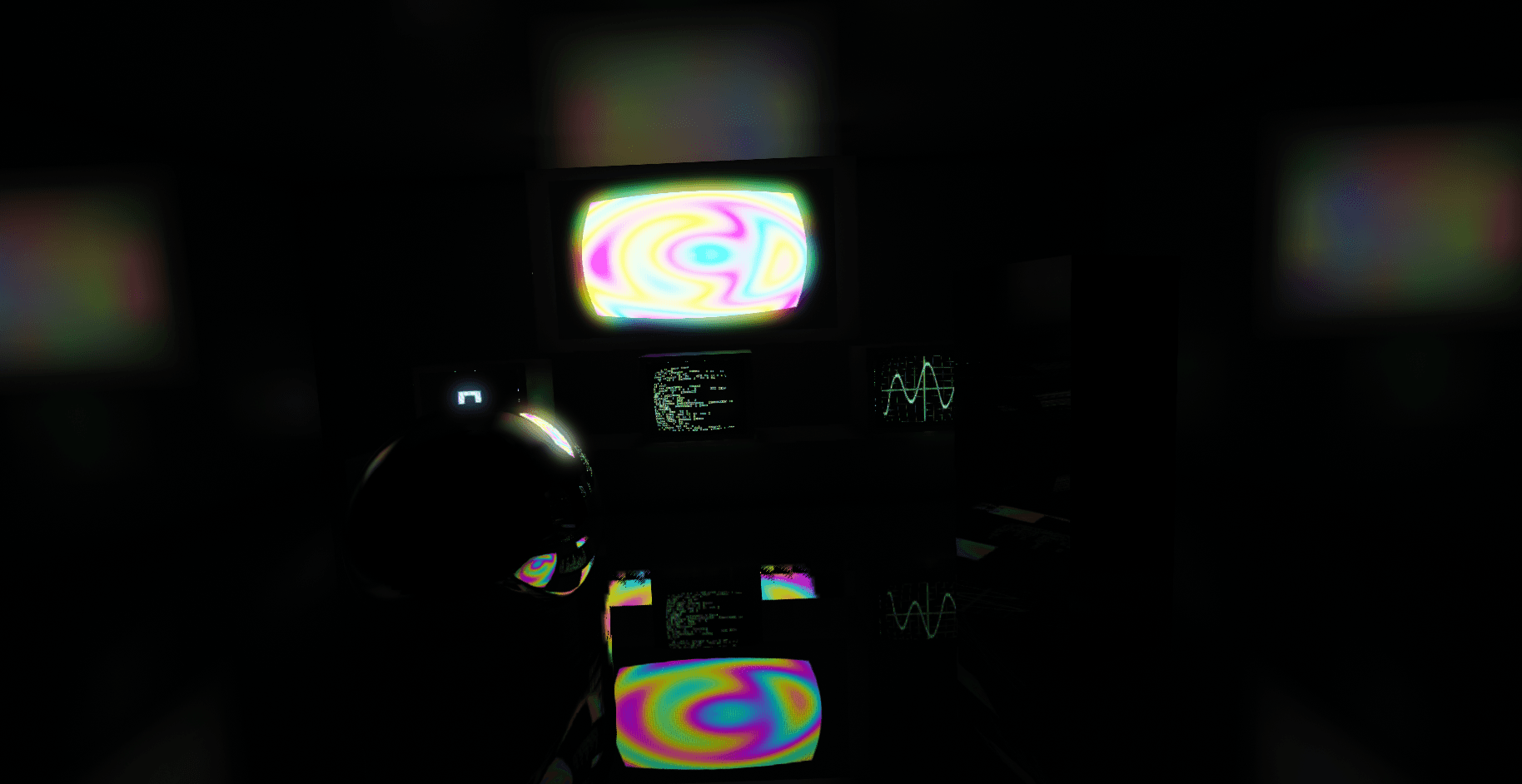
This is also why the system survives art iteration. A level artist can paint glow onto a sign, drop it into a scene, and the lighting is simply correct, every frame, with no bake step to wait for and no probe grid to maintain.
Tip
Emitters smaller than a voxel (about 10 cm in the near cascade) can flicker as they alias in and out of the grid. Either scale the emissive surface up or pair it with a small analytic light.
Warning
Voxel GI's classic failure is light leaking through walls thinner than a voxel. REACT stores six directional opacities per voxel to suppress it, but a wall under 10 cm near the camera can still glow faintly on the wrong side. Build interior walls at least one voxel thick.
Reading about bounce light only gets you so far. The room below is a live, if simplified, global-illumination solver running in your browser, and it walks you through what bounce light adds in three stages: direct light alone, then the first bounce filling the room, then the colored wall bleeding its hue across everything. Your scroll runs the solve — scroll down and the bounces build, scroll back and they unwind. Grab the sun to steer the light, and swap the wall color to bleed a different hue.
Live · Experiment 01
Your scroll runs the solve
Note
This sandbox is a teaching model, not the engine's actual solver: it tracks two bounces from a handful of surfaces rather than voxel-cone-tracing the whole scene. The behavior it shows, direct versus indirect and color bleeding, is exactly what the real system produces.
The whole GI stack costs 3.2 ms at 1440p on the studio's RTX 4070 reference machine. The breakdown below is from the engine profiler, averaged over 1,000 frames of the atrium scene.
The main quality knob is the number of cones traced per pixel. More cones sample the hemisphere more finely, but the win fades fast: going from 2 to 6 cones cuts the error against a path-traced reference by two thirds, while going from 6 to 16 barely moves it and more than doubles the trace cost. REACT ships with 6.
The GI system exposes its knobs through the console, including the debug views used for every screenshot in this article:
| Variable | Default | Description |
|---|---|---|
| r_gi | 1 | Master toggle. Turning it off is the fastest way to appreciate it. |
| r_gi_cones | 6 | Cones traced per pixel: five diffuse plus one specular. See Fig. 6 before raising it. |
| r_gi_clipmap | 256 | Voxel resolution per cascade. 128 halves memory and visibly softens contact lighting. |
| r_gi_cascades | 3 | Clipmap cascades at 25, 100 and 400 m. Distant GI beyond the last cascade falls back to the sky term. |
| r_gi_half_res | 1 | Trace at half resolution and upsample edge-aware. Full resolution doubles trace cost for minimal gain. |
| r_gi_show_voxels | 0 | Debug: draw the voxelized scene directly. Set to 2 to view injected radiance instead of albedo. |
Further reading
- [01]Kajiya, J. T. (1986). The Rendering Equation. SIGGRAPH.
- [02]Crassin, C., Neyret, F., Sainz, M., Green, S., Eisemann, E. (2011). Interactive Indirect Illumination Using Voxel Cone Tracing. Computer Graphics Forum (Pacific Graphics).
- [03]McLaren, J. (2015). The Technology of The Tomorrow Children. GDC.
- [04]Panteleev, A. (2014). Practical Real-Time Voxel-Based Global Illumination for Current GPUs. GPU Technology Conference (NVIDIA).